🍓
BerryShot macOS 14+
Native AI Screen Utility
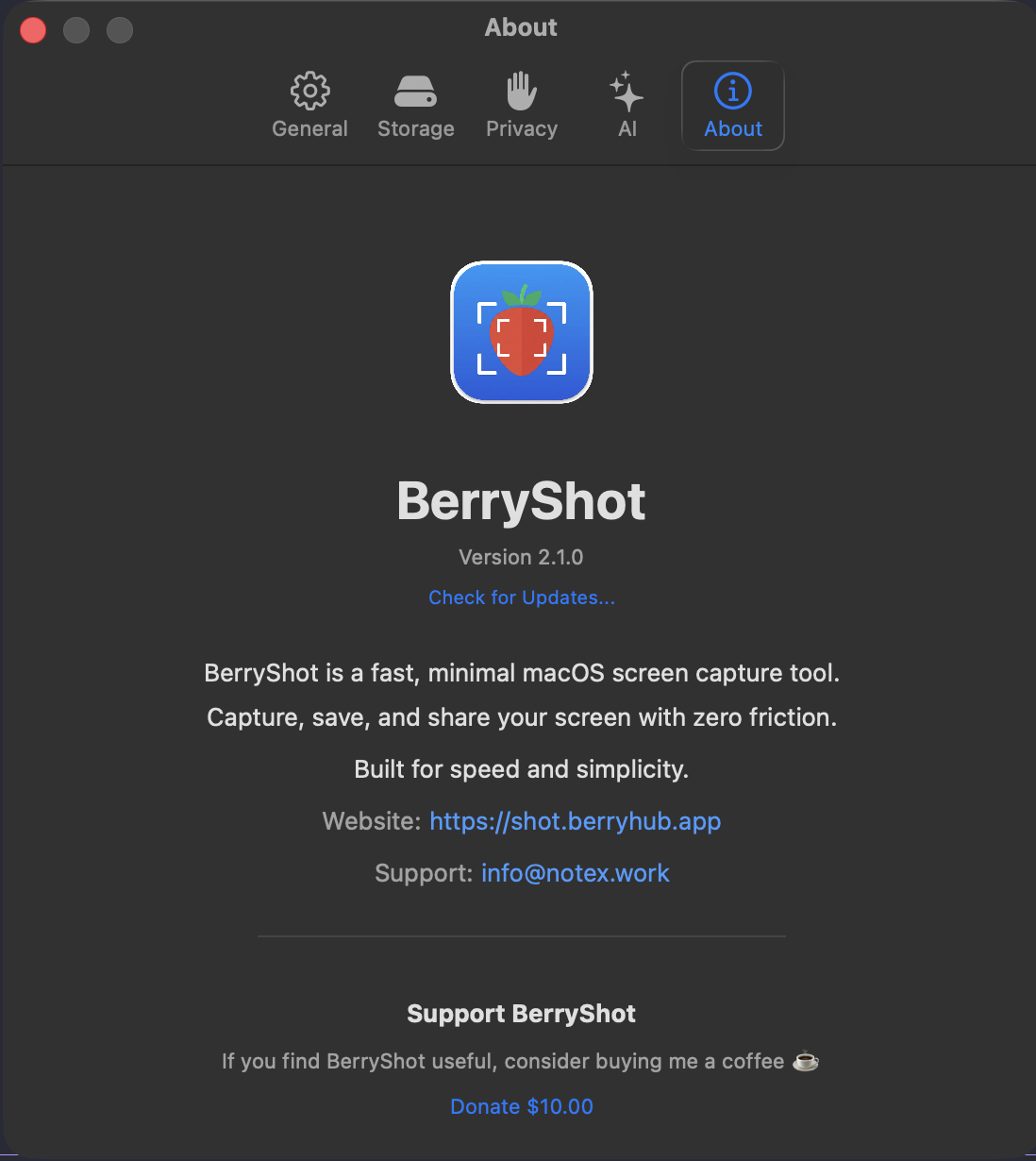
BerryShot v2.1.0: Native Swift 6.0 & ScreenCaptureKit Release

Screen Capture, Annotations & AI Intelligence for macOS

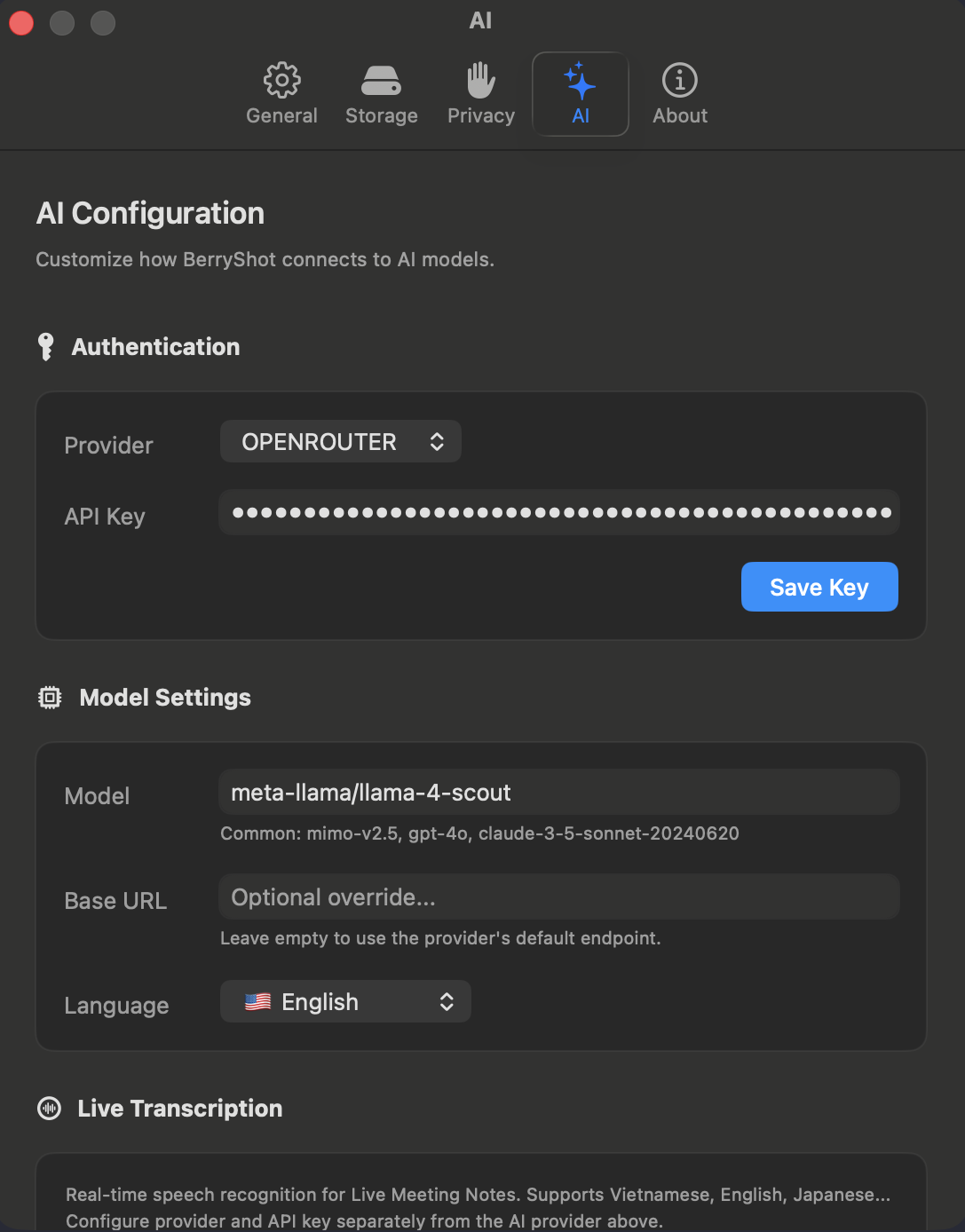
High-performance native capture (<100ms latency), 100% offline Vision OCR, smart automated PII & sensitive redaction, multi-model AI vision integration (Claude, Gemini, GPT), and dedicated MCP Server for AI coding agents.

⌘ ⇧ 2 Region ⌘ ⇧ 7 Window ⌘ ⇧ 8 Scrolling
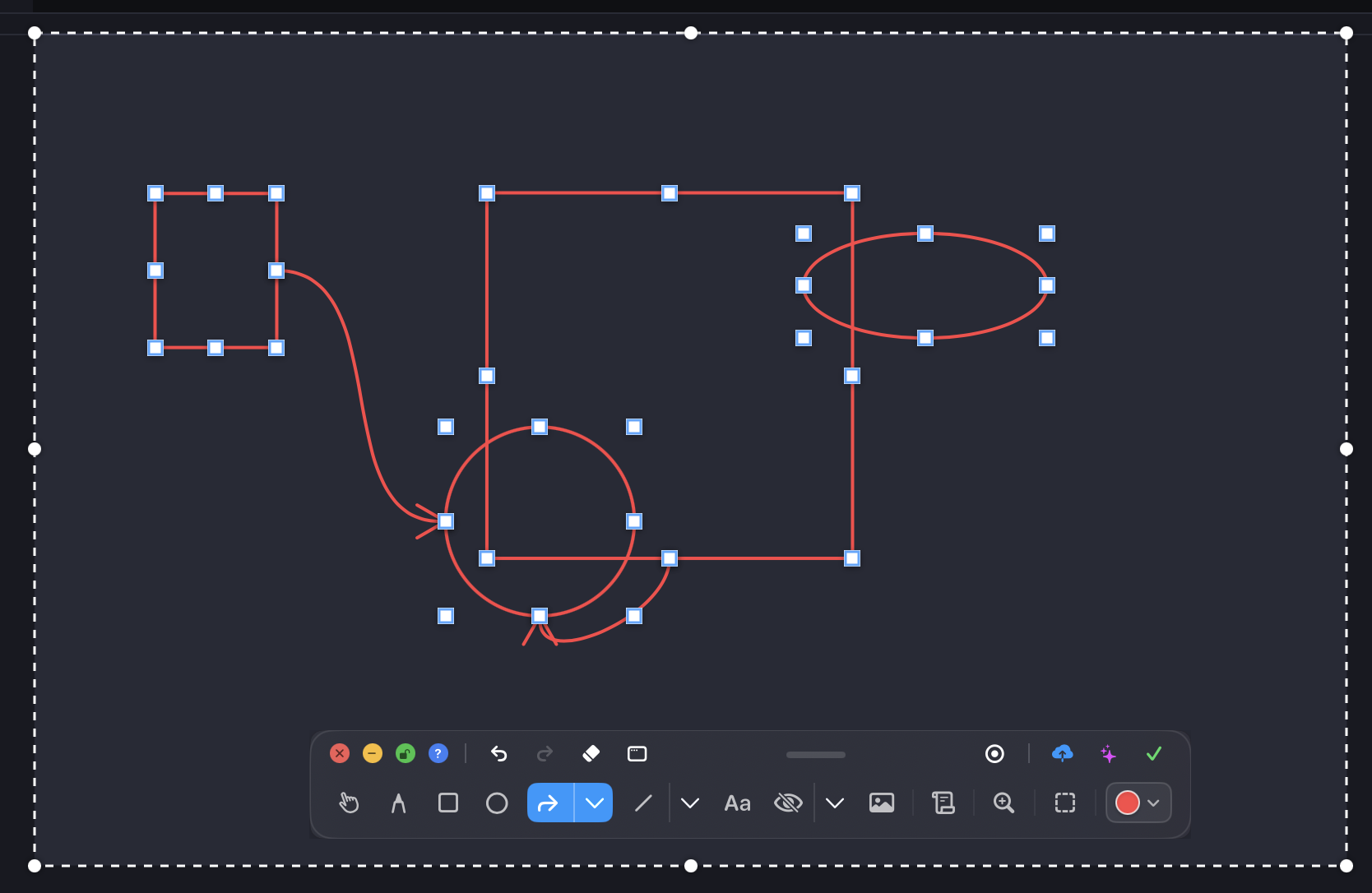
BerryShot Studio • Canvas Overlay Mode
ScreenCaptureKit Engine
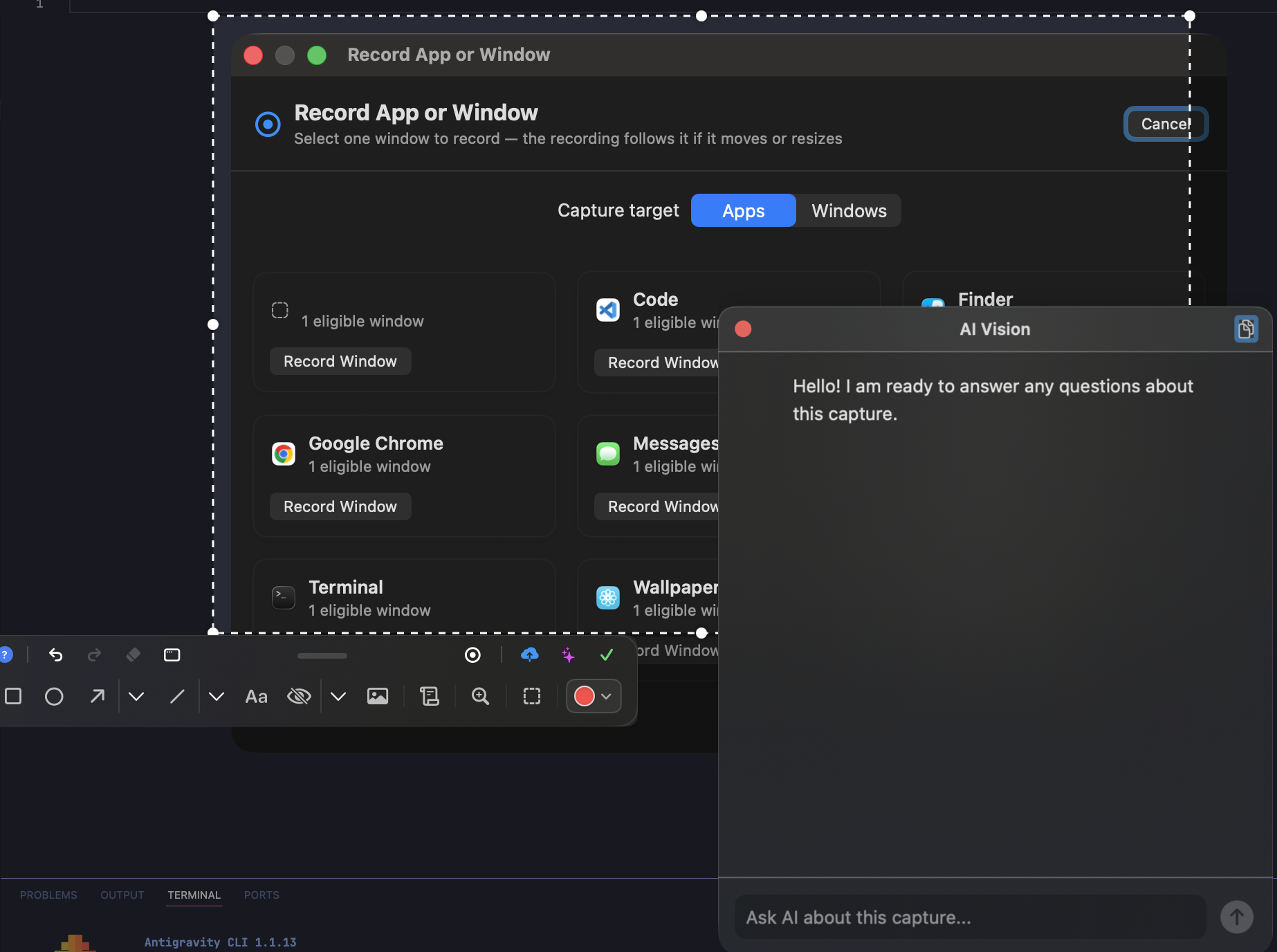
BerryShot Studio UI
Click to view full resolution
< 100ms
Lightning Capture Latency
100% Offline
Apple Vision OCR
5+ AI Providers
Claude, GPT-4o, Gemini, Mimo
Local MCP Server
Ready for Claude Code & Codex
Comprehensive Feature Suite

Crafted Exclusively for the Modern macOS Experience

Engineered natively with Swift 6.0 to deliver silky 60fps performance without background resource hogging.

ScreenCaptureKit Engine

Capture Regions, Windows & Apps with Pixel Accuracy

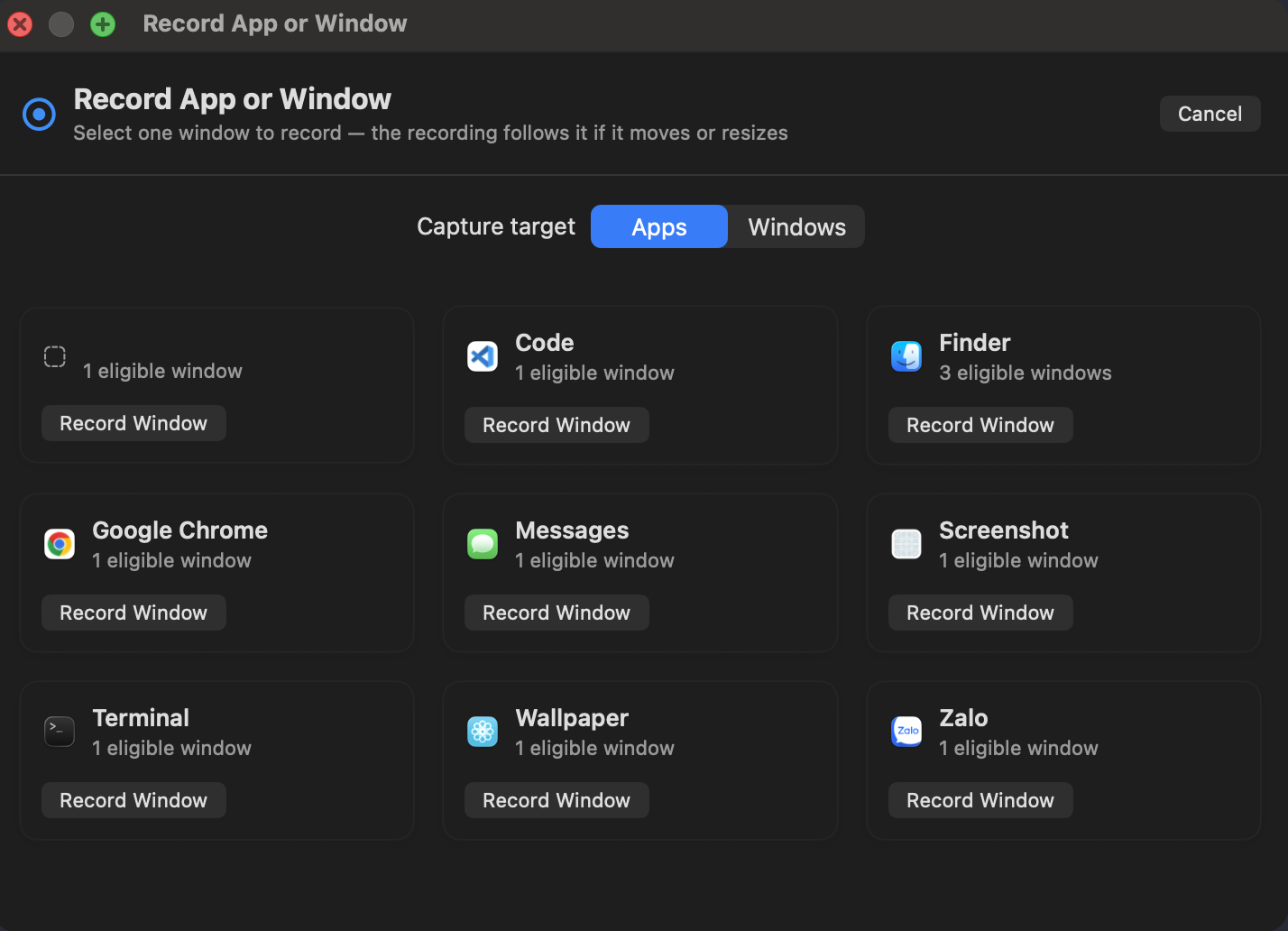
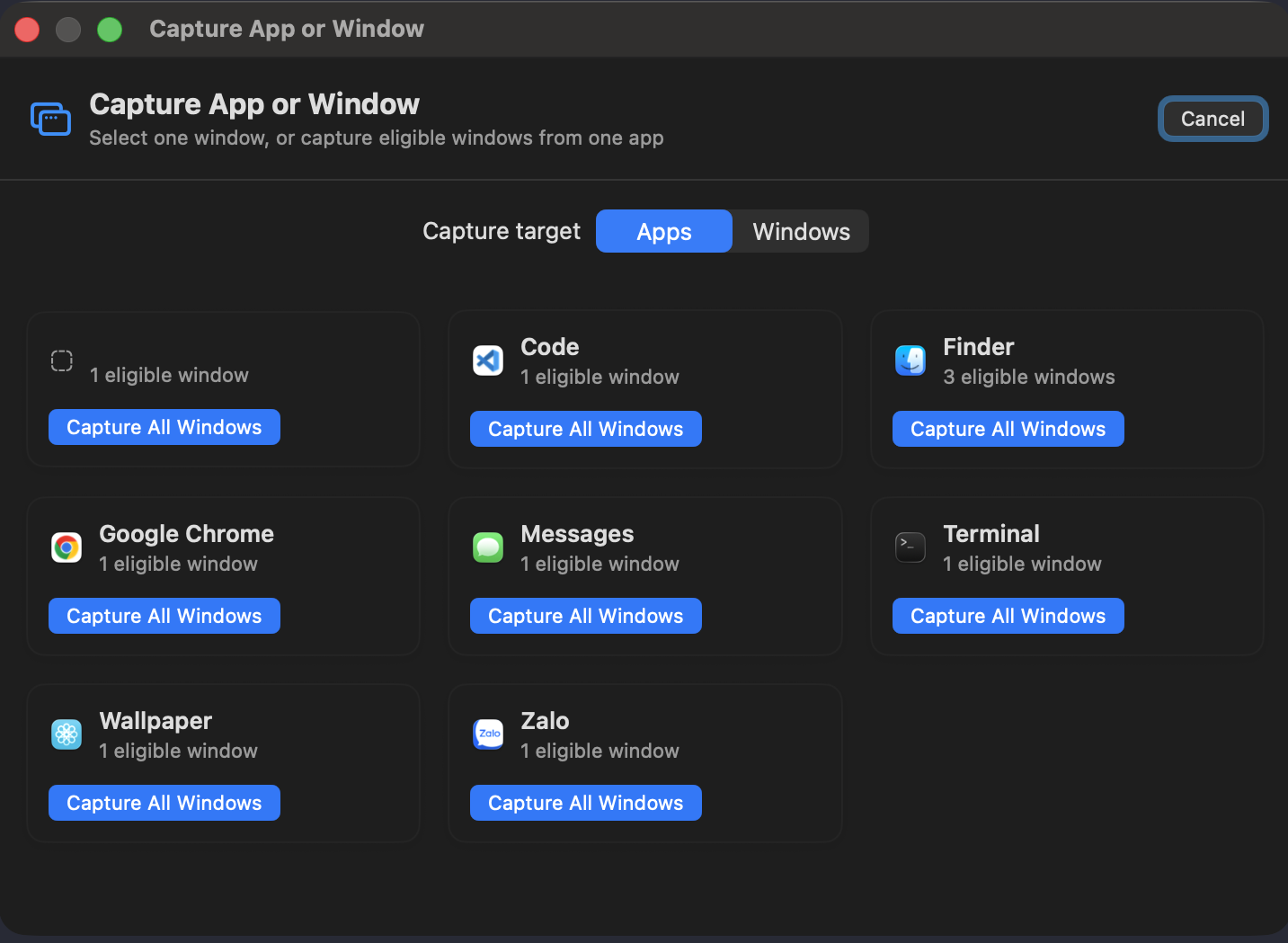
BerryShot supports dedicated capture modes: interactive region selection with pixel-magnifying loupe, clean window capture with alpha transparency, or batch capturing all open windows of an app simultaneously.

Aspect-Ratio Matched Preview Window

Inspect exact proportions and details before 1-click Copy, Save As, or Cloud Upload.

Smooth Scrolling Capture

Seamlessly stitch long web pages, PDFs, and code files into a single high-resolution image.

Floating Action Bar

Quickly pin screenshots on top, send to AI assistant, or copy OCR text with one click.

Global Hotkeys: ⌘ + ⇧ + 7 ⌘ + ⇧ + 8
Window Picker Interface
Click to zoom original screenshot
Live screenshot: App & Window selector with real-time preview
Engineered for Performance

Unrivaled Native Power & Polish

Built strictly with Swift 6 and AppKit/SwiftUI — zero Electron bloat, zero background lag.

100% Offline Vision OCR

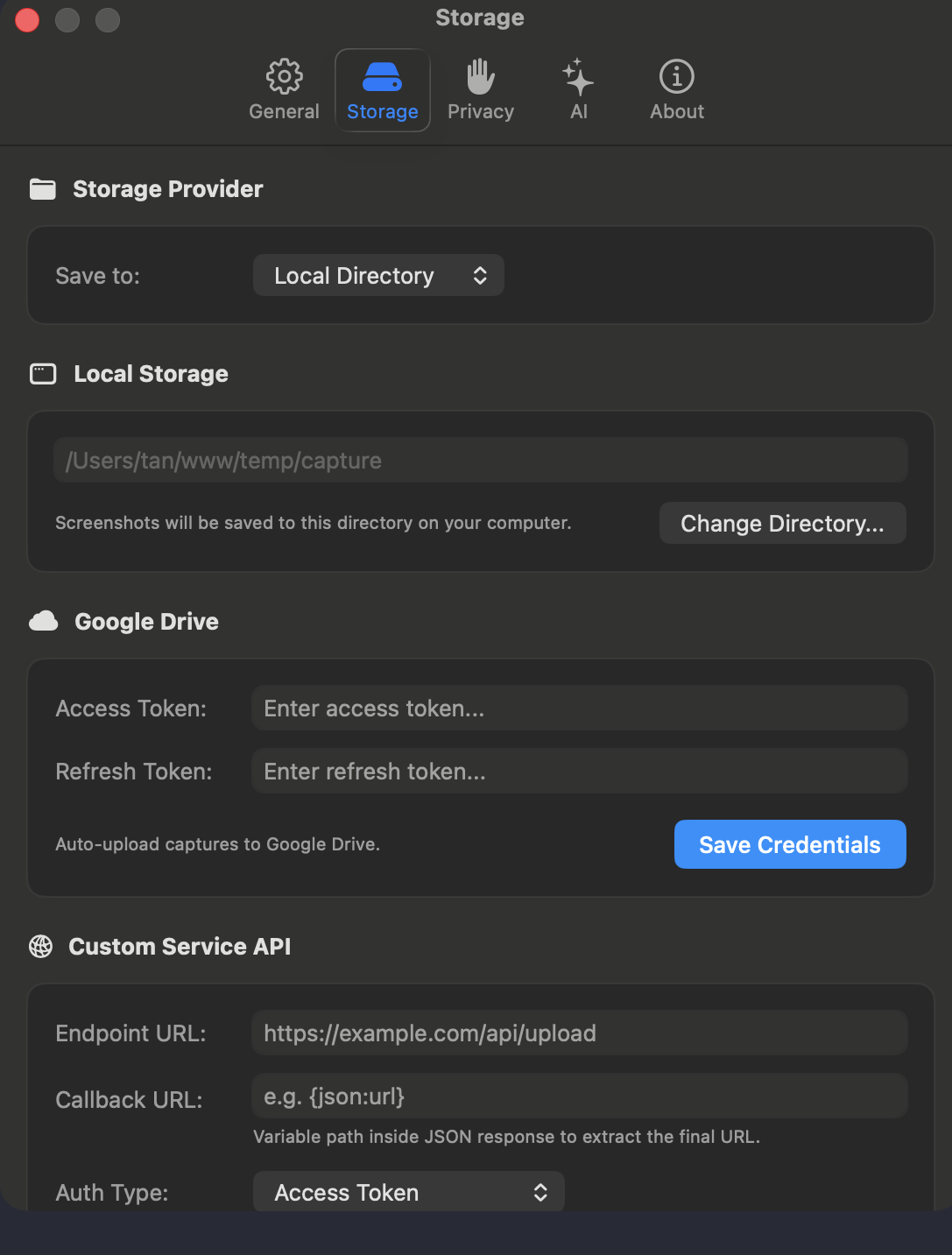
Extract readable text from any screen coordinate using Apple Vision Framework. Works completely offline with zero telemetry and instant clipboard copying.

1-Click Copy Text

Smart Auto-Redaction

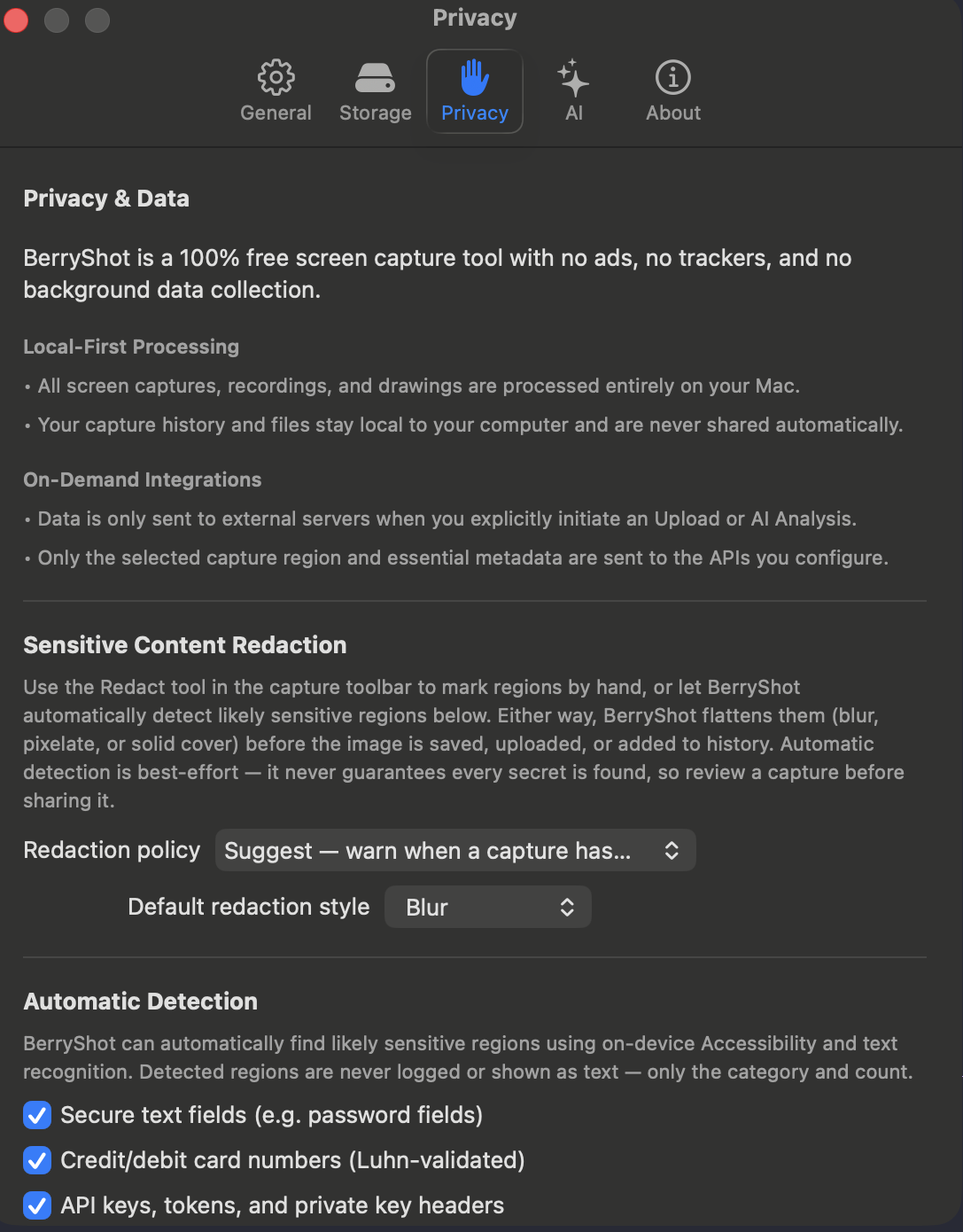
Automatically identifies and conceals credit cards (Luhn validated), passwords, emails, phone numbers, and API tokens before sharing.

PII Compliance Ready

HEVC 60fps Screen Recording

High-frame-rate recording with simultaneous system audio and microphone capture. Pause, resume, and export compact HEVC MP4 video files.

Dual-Source Audio

Pin on Top (Picture-in-Picture)

Keep important references floating above all windows while writing code, comparing design mockups, or entering spreadsheets.

Productivity Booster

Pixel Color Eyedropper

Sample exact HEX, RGB, or HSL color codes with a magnified pixel loupe and copy directly into your clipboard.

Pixel Precision

Hardware-Grade Security

All credentials and API tokens are encrypted in the Apple Keychain Enclave. Transparent and source-available under PolyForm license.

macOS Keychain Enclave
For AI Developers & Coding Agents

Seamless Local MCP Server Integration

Connect BerryShot with autonomous coding agents such as Claude Code or Codex. Your agent can request UI window captures, fetch view manifests, and generate test documentation securely via private stdio IPC.

Operates strictly via private same-user local stdio IPC
Auto-expires artifacts and cached images after 24h
Transparent Menu Bar session status with 1-click Stop
agent-setup.sh
# Add BerryShot MCP to Claude Code with one command:
claude mcp add berryshot -- /Applications/BerryShot.app/Contents/Helpers/BerryShotMCP
Helper bundled inside BerryShot.app Zero External Daemons
Fast & Intuitive

Global Keyboard Shortcuts Cheatsheet

Trigger any capture mode instantly without breaking your current workflow.

2

Region Capture

Drag to select any area with high-precision coordinate & dimension loupe.

7

Window & App Capture

Select an isolated window or batch capture all windows of a running application.

8

Scrolling Capture

Automatically scroll to capture entire websites, chats, and code repositories.

C

Copy to Clipboard

Copy edited screenshot or extracted Vision OCR text directly into clipboard.

Z

Undo Annotation Stroke

Revert previous canvas shapes and markings safely with full undo history.

ESC

Dismiss / Cancel

Instantly close the active capture overlay and return control to macOS.

🍓 Ready for macOS Sonoma & Sequoia

Elevate Your macOS Capture & Workflow Today

Download the official DMG release or explore the source code on GitHub. Completely free for noncommercial use.

Size: ~28 MB Universal Binary (Apple Silicon M1/M2/M3/M4 & Intel) PolyForm Noncommercial License